How KeeperCircle works
KeeperCircle takes a few minutes to set up and works the way a household actually does. Here's the loop.
Three moves, start to finish
Set up your household
Create the household and invite the other adults. From that moment you're both looking at the same list.
Give contacts context
Add or import contacts, then tag the category and relationship, connect children where sensible, and add the notes only your household can see.
Keep it current together
Search anything in a click, and archive or retire what your household has outgrown so the list stays trustworthy.
The three moves, step by step
Move 1 — Set up your household
Create your household
Your household is the home for everything, including contacts, lists, and their associated notes. It often belongs to the household rather than to any one person's account, so the information outlives any one phone.
Invite the other adults
Invite your partner, spouse, or co-adult to join. From that moment you're both looking at the same contact list. Add a contact once and everyone has it, along with why it's there. Paid households can also add view-only members, which is useful for a grandparent or regular caregiver who needs to find numbers but shouldn't edit them.
Move 2 — Give contacts context
Add contacts, or import them selectively
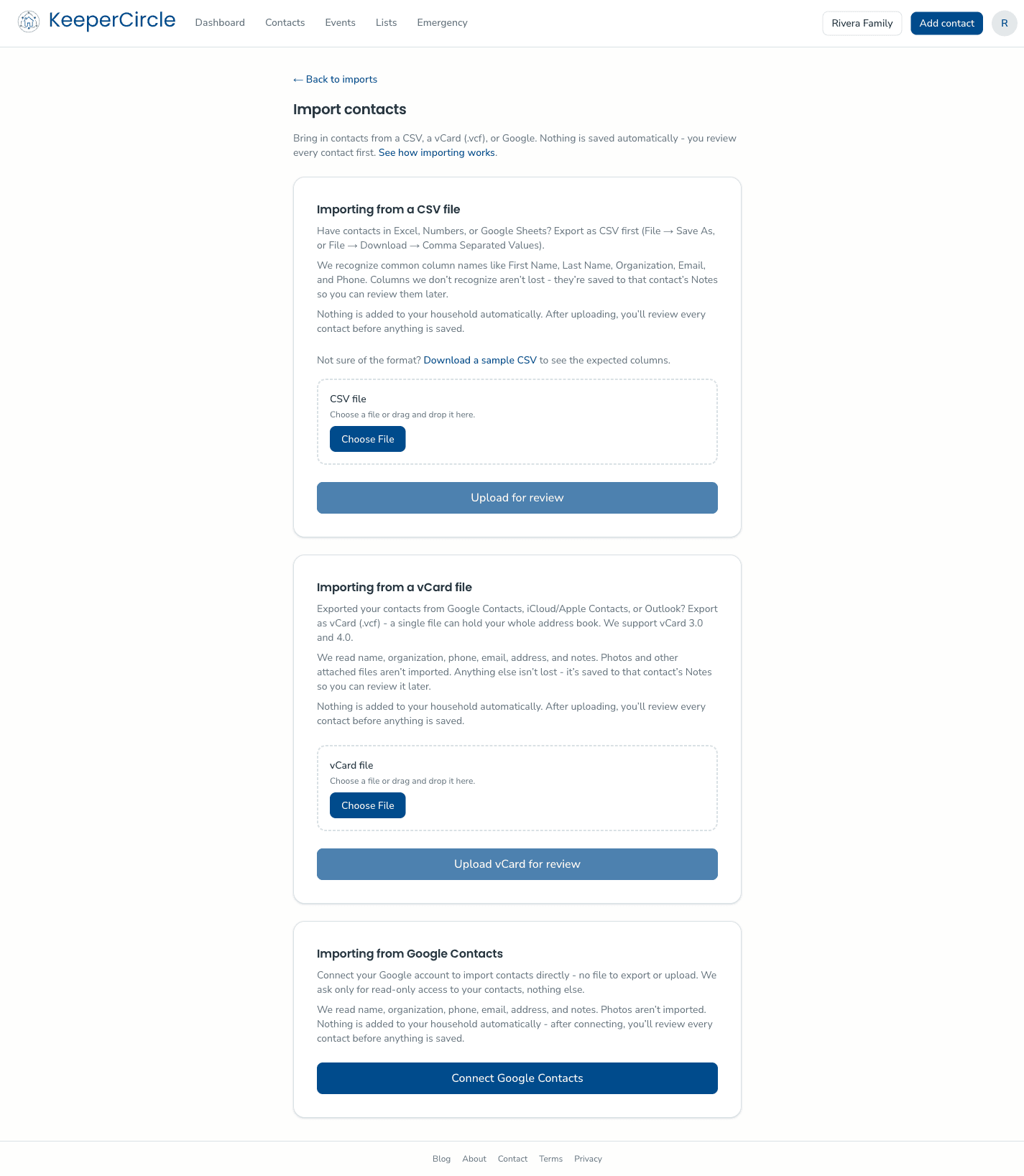
Add contacts by hand in moments, or import from Google Contacts or a contacts file. Import always starts with review. KeeperCircle shows you what it found, and you pick exactly which contacts join the household. Nothing is added without your say-so, so your household list starts out curated.
Add the details that matter
This is where KeeperCircle leaps far beyond plain address books. Assign categories (School, Emergency, Vendors & Services, Childcare & Babysitters, or your own), define the relationships, connect contacts to your children where that makes sense, mark people as emergency contacts. Add private household notes, like which classroom, what the electrician quoted, or which pharmacy the pediatrician sends prescriptions to. Notes are visible to your household only, and they stay behind when you share a contact.
Build the lists your household needs
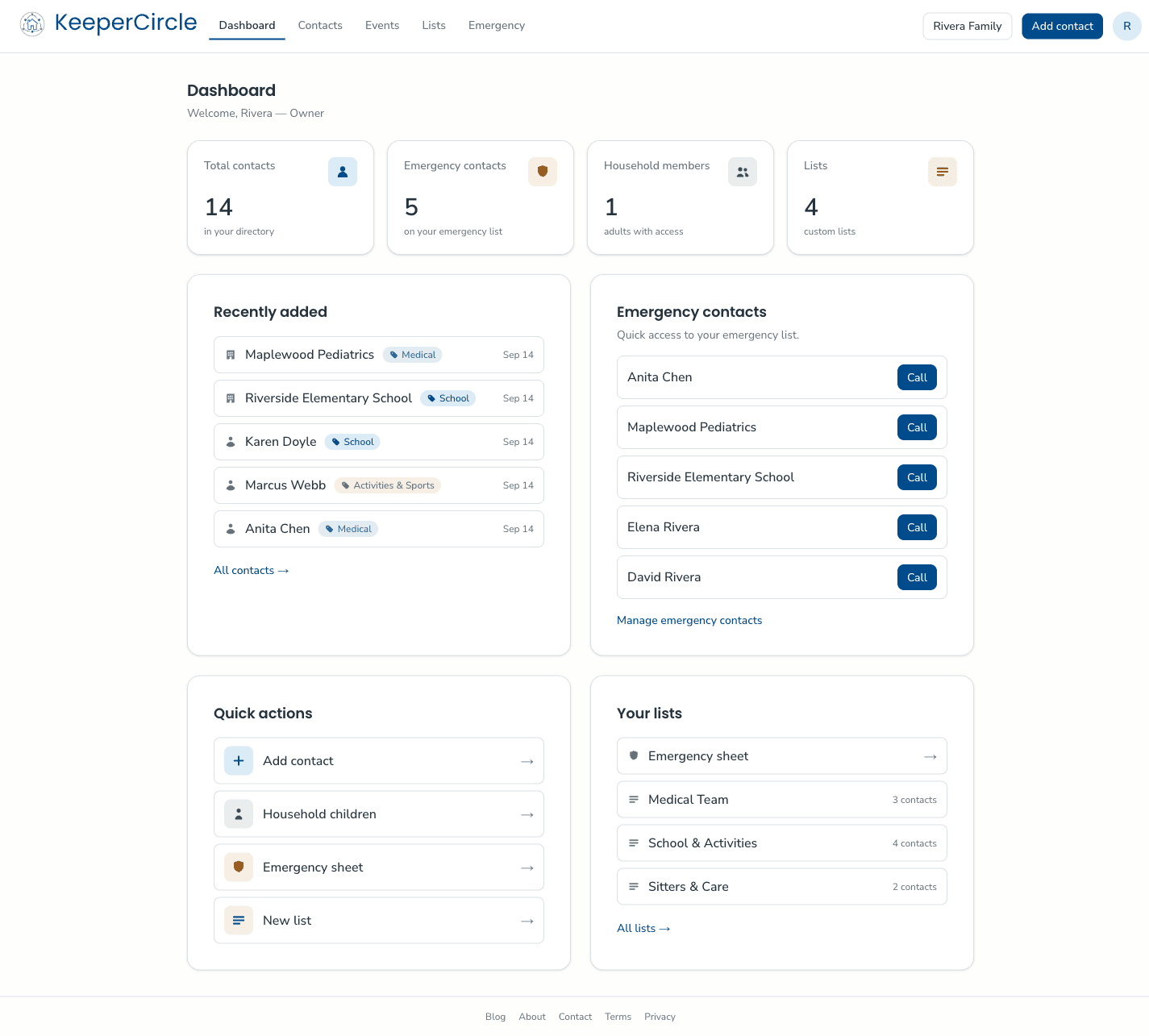
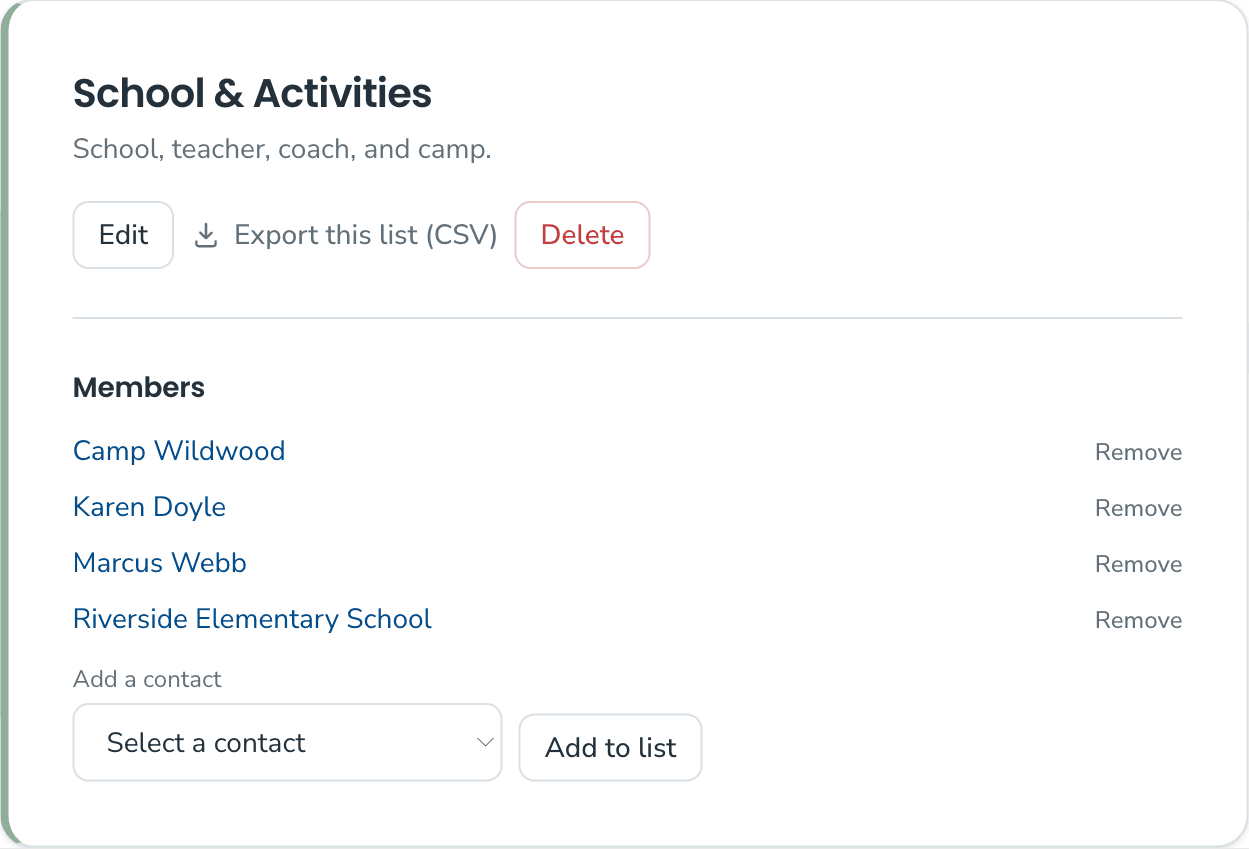
Group contacts into lists such as the babysitter sheet, the school-year list, and the emergency list. Premade templates show you what a complete list looks like, so you notice what's missing before you need it. Paid households can print the emergency sheet as a clean physical page for the fridge or the sitter.
Move 3 — Keep it current together
Find anyone, fast
Search by name, organization, number, category, child, or even something you wrote in a note. "Who was that piano teacher Dana's friend recommended?" is a search, not an archaeology project.
Add events
Add events for context. This means you can connect events to family members and include those things you wish you kept track of. Include who was there, what presents were given or received, and similar.
Review and retire
Households change. Sitters graduate, vendors retire, and sports teams switch. Archive contacts you might need again, delete the ones you won't (with a 30-day window to restore mistakes), and keep the list you actually use trustworthy and useful.
See it in action
Free and paid
The free plan covers the essentials for a smaller household list and is supported by ads on non-sensitive pages. The paid household plan removes ads and lifts the limits, adding room for up to 10,000 contacts and 100 lists, more members, contact history, and the printable emergency sheet. Details are on the Pricing page.