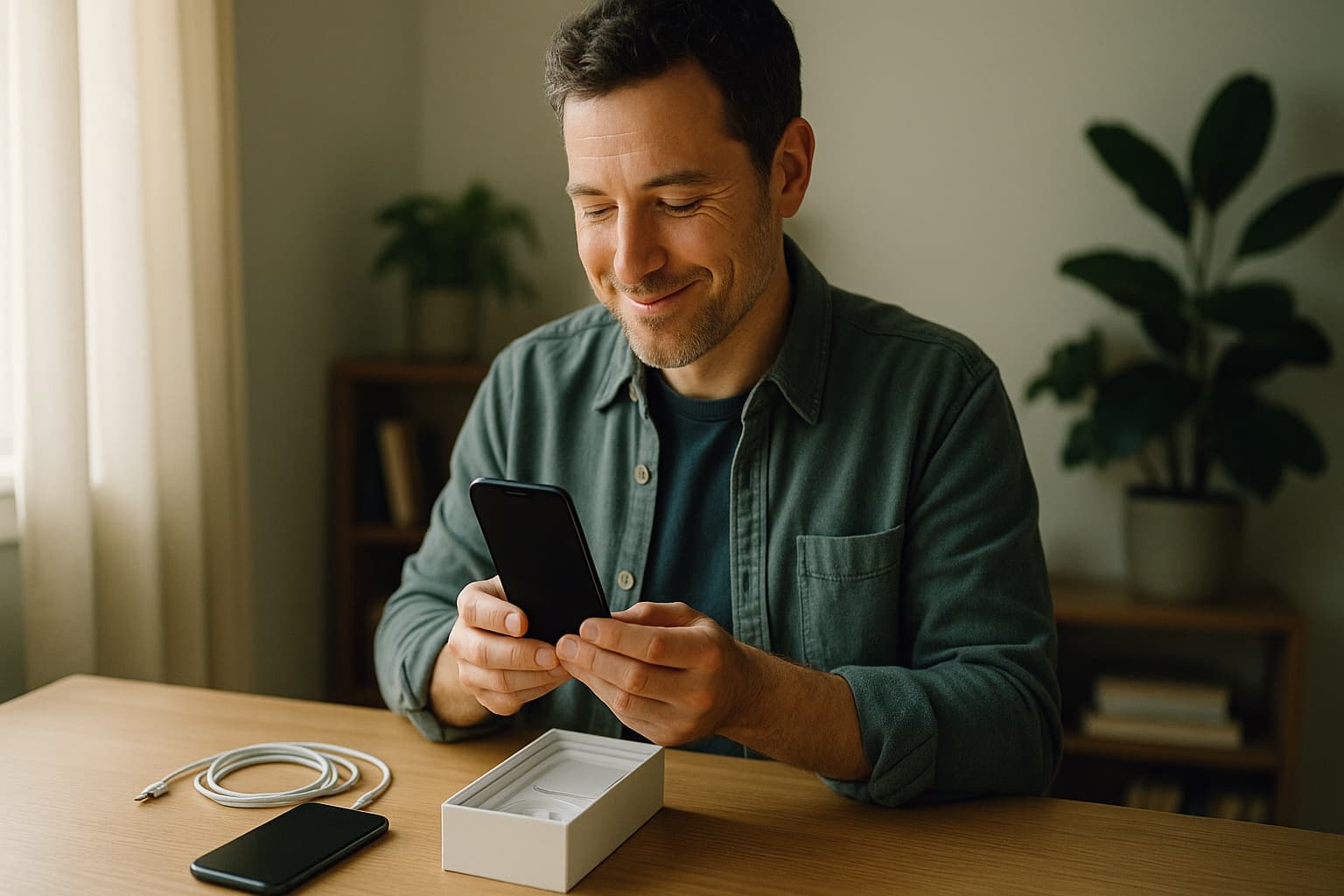
Moving to a New Phone Without Dragging Ten Years of Contact Clutter With You
A phone upgrade is the best decluttering moment you'll ever get. Here's how to move to a new phone without dragging ten years of contacts along.
A new phone arrives in a state no phone stays in for long. It's fast, it's clean, and it contains nothing you don't want. Then you run the transfer tool, and within an hour your beautiful new phone holds the same 600 contacts as the old one, including the roofer from 2019 and four people named "Do Not Answer."
The default migration copies everything, because the tool has no way to know what you value. But a phone upgrade is the single best contact-decluttering opportunity you'll ever get, for one reason. It's the only time "start fresh" is a real option rather than a fantasy. Here are three ways to take it, from lightest to most thorough.
Option 1: Transfer everything, then clean on the new phone
This is the honest default for most people, and it's fine. Run the normal migration, let everything come over, and then use the new-phone energy to do a proper cleanup in the first week. Merge duplicates using your platform's built-in tool, then do a keep-move-retire pass through the list. The advantage is zero risk, since nothing is left behind. The disadvantage is that new-phone energy has a half-life of about six days, so calendar the cleanup or it won't happen.
Option 2: Clean first, then transfer
Reverse the order. In the week before the new phone arrives, do the cleanup on your old phone, starting with a backup export so nothing is truly gone. Merge duplicates, delete the expired, and fix the mystery names while you still have the old phone's context to jog your memory (texts and call history often reveal who "Jim Roof??" was). Then the migration carries over a list you're actually happy with. This is the best-value option, since you do the work once and the new phone starts clean.
Advertisement
Ads support the free tier. Paid households are ad-free.
Option 3: The true fresh start
For the brave, or for anyone whose list has passed the point of repair. Export a full backup of the old contacts and store it safely. Then set up the new phone without transferring contacts at all, and add people back as they actually appear in your life. Your daily texts repopulate the top twenty within a week. When someone doesn't auto-appear, you check the backup file, copy them in, and carry on. After three months, you have a contact list where every single entry earned its place. The backup means nobody is ever lost, just waiting.
The fresh start sounds extreme, but people who do it rarely regret it, because it reveals the truth about a bloated list. Most of it was never coming back.
The step all three options share
Whichever route you take, one move improves it. Before the migration, separate the household contacts from the personal ones. The school office, the pediatrician, the sitters, the plumber, and the kids' friends' parents don't actually belong to your phone at all. They belong to your household, and a phone migration is a strange moment to notice that, but a useful one, because it makes the stakes visible. If those numbers live only on the device being retired, your family's infrastructure is riding along in a trade-in box.
Moving them into a shared household contact list, which is what KeeperCircle exists for, takes them out of the migration entirely. They stop being cargo that has to survive each phone swap and become a household resource that every adult can reach from any device, current phone or next one. Your personal migration then only has to carry personal contacts, which is a shorter, saner list.
A quick pre-migration checklist
- Export a full backup from the old phone and store it off-device.
- Confirm which accounts your contacts sync to, so you know what will follow you automatically.
- Move household contacts to your shared household list.
- Pick your option (transfer-then-clean, clean-then-transfer, or fresh start) and calendar the cleanup if it comes after.
- Enjoy the new phone. You bought it to feel new. With a clean contact list, it actually will.