Setting Up In Case of Emergency (ICE) Contacts on Your Phone, and Why That's Only Half the Job
Set up In Case of Emergency (ICE) contacts on iPhone and Android so first responders can reach your people, and learn why that's only half the job.
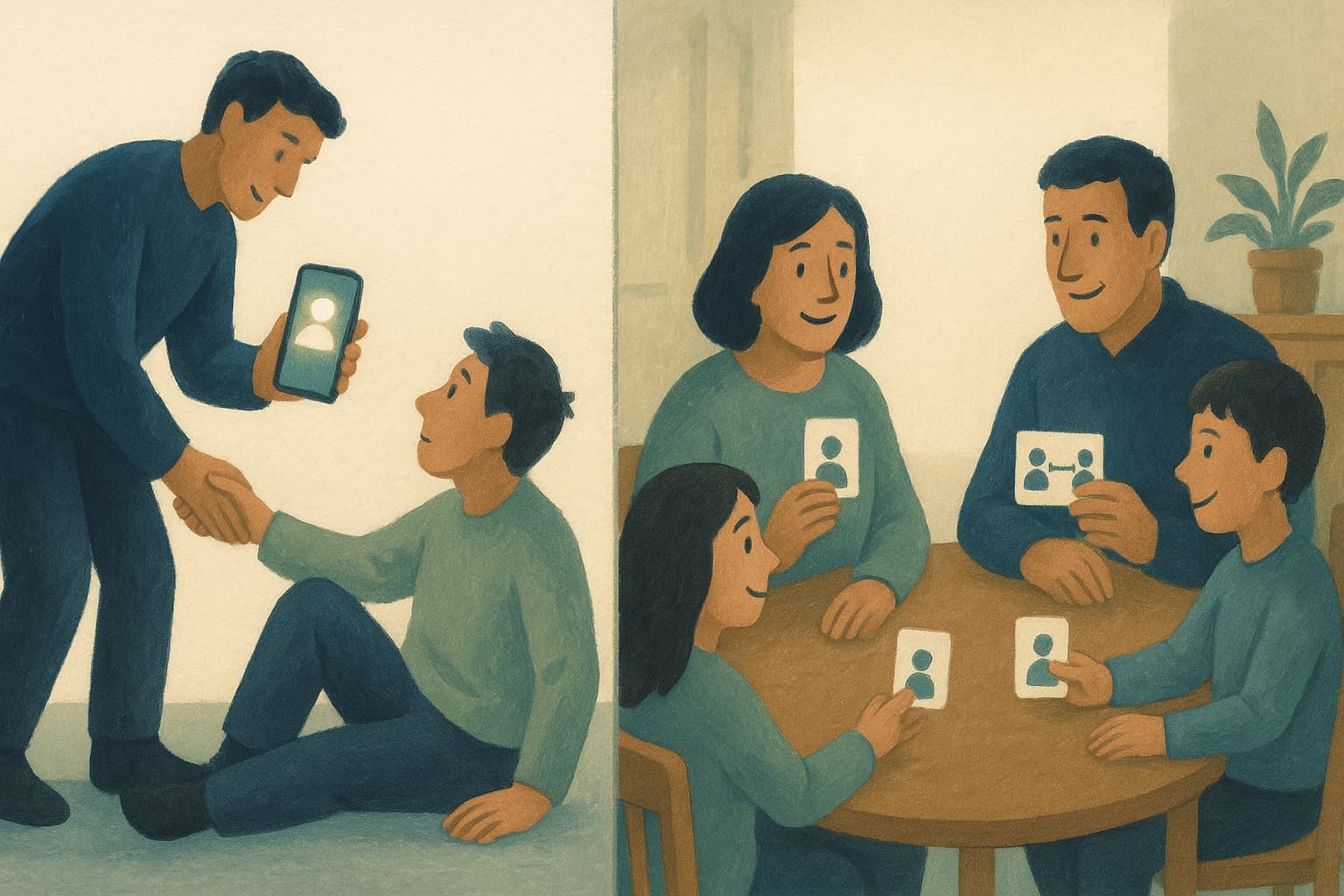
ICE stands for In Case of Emergency, and the idea is older than smartphones. Mark certain contacts so that a first responder, a nurse, or a good Samaritan who finds you unable to communicate knows exactly who to call. In the flip-phone era, people literally renamed a contact "ICE Mom." Today both major platforms build the feature in, attach medical information to it, and make it reachable from a locked phone. Ten minutes of setup, and a stranger trying to help you can reach your people.
Here's how to set it up on each platform, and then the part most articles on this topic skip, which is what the feature can't do.
Setting up ICE on an iPhone
On iPhone, emergency contacts live in your Medical ID. Open the Health app, tap your picture, and choose Medical ID, then Edit. Add your emergency contacts from your address book and set each one's relationship to you. While you're there, fill in the medical fields that matter, like allergies, medications, conditions, and blood type. The critical setting is Show When Locked. Turn it on, or the whole exercise is decorative.
Advertisement
Ads support the free tier. Paid households are ad-free.
Once enabled, anyone can access it from your locked phone by opening the emergency call screen and tapping Medical ID. Your emergency contacts can be called directly from there without unlocking anything. Test it yourself from your own lock screen so you know what a helper would see.
Setting up ICE on an Android phone
On most modern Android phones, open Settings and search for "emergency information" or open the Personal Safety app, depending on the manufacturer. You can add emergency contacts and medical details (allergies, medications, blood type), and both become viewable from the lock screen through the Emergency call option. Some phones also let you show a short line of text on the lock screen itself, which is a good place for "ICE: Sam 555-0123" or a critical allergy. As with iPhone, test the flow from your locked phone once so you trust it.
Choosing the right ICE contacts
Two or three people, chosen for answering ability rather than seniority. The best ICE contact picks up unknown numbers, knows your basic medical picture, and can make or relay decisions. Tell them they're your ICE contact, and make sure at least one knows things a hospital might ask, like your medications and your doctor's name. Couples should each list someone beyond each other, because the most common emergency scenario for parents involves both adults being in the same car.
Why ICE is only half the job
Now the honest limitation. ICE solves the stranger-to-family problem. It lets someone who doesn't know you notify the people who do. It does nothing for the family-to-world problem, which arrives about an hour later. Your partner has been notified, and now they're the one who needs to act. Pick up the kids, call the pediatrician about your medications, reach the neighbor who has a key, cancel the sitter, find your doctor's number. Every one of those is a contact, and if those contacts live only in your phone, the phone at the center of the emergency, your household's operating information is locked inside the one device nobody can use.
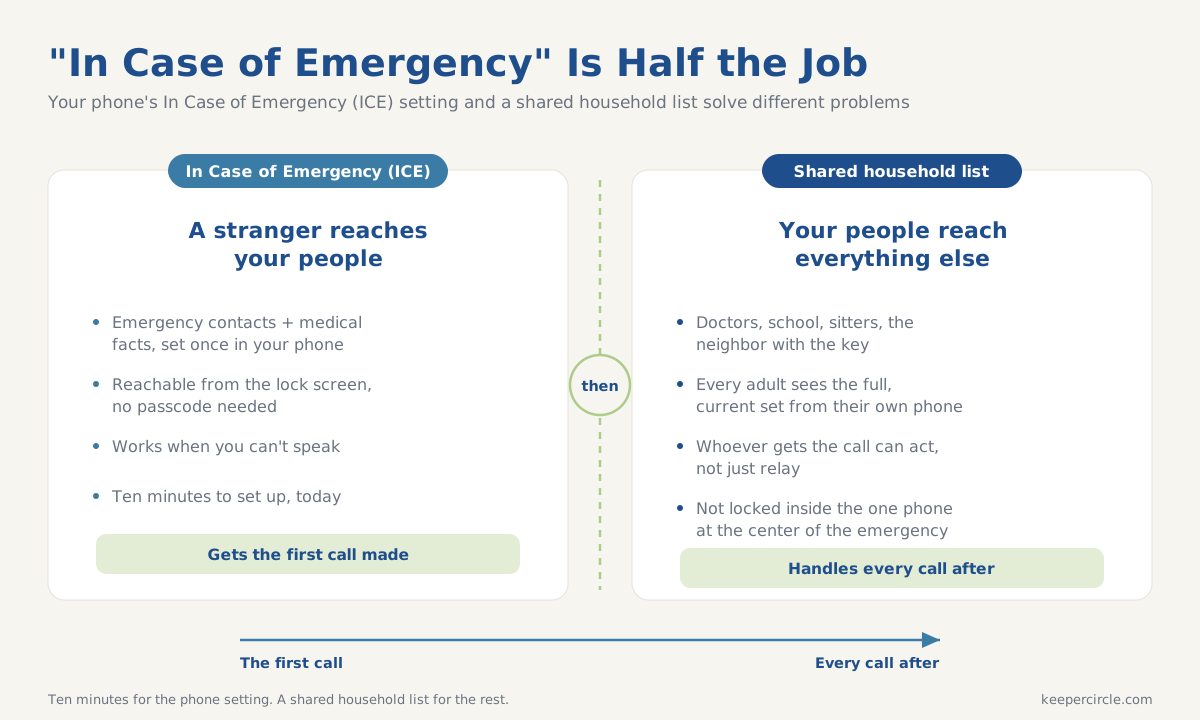
This is the case for pairing lock-screen ICE with a shared household contact list. In KeeperCircle, the contacts a family needs on its worst day (doctors, school, backup adults, the key-holding neighbor) belong to the household, so every adult can reach the full, current set from their own phone. ICE gets the first call made. A shared household list gets everything after that handled.
The ten-minute setup, complete
- Add two or three ICE contacts on your phone using the steps above, and fill in the medical fields.
- Enable lock-screen access and test it from your own locked phone.
- Do your partner's phone too, and each list at least one person beyond each other.
- Tell your ICE contacts they're on the list and what they might be asked.
- Make sure the follow-on contacts, the ones the notified person will need, live somewhere every household adult can reach.
None of this is fun to think about, which is exactly why it's worth doing on an ordinary Tuesday when nothing is wrong. Ten minutes now is the whole cost.